Start with an old photograph
Sign in, name your loved one, and upload a portrait from your phone or a scan of an old print. Choose a picture that shows one face clearly. You can also begin a profile for yourself.
How it works
Picture opening your phone, seeing Grandma in her kitchen, and asking how she met Grandpa. Your family’s photographs, voices, and stories shape the AI avatar on the other end.
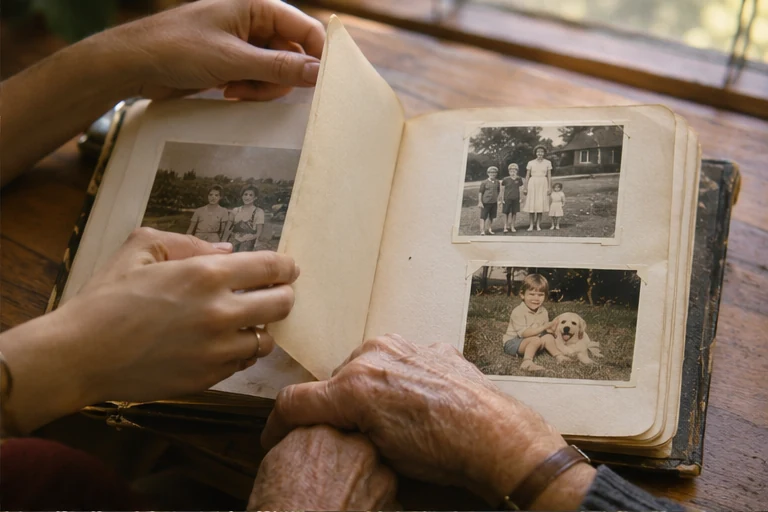
Sign in, name your loved one, and upload a portrait from your phone or a scan of an old print. Choose a picture that shows one face clearly. You can also begin a profile for yourself.
Add an old voicemail or home movie if you have one. Describe their accent, pitch, pace, and favorite expressions. A description guides an approximation. An original recording lets your family hear the actual voice. An eligible, separately authorized recording can also guide live voice synthesis.
In Avatar & calls, choose the portrait and a starting voice. Add a Sunday tradition or the way they greeted you. Invite family to contribute, and return later when another detail comes to mind.
Try the private portrait preview after signing in. Where live video is activated, the owner can authorize a talking avatar. Once it’s ready, choose Start live video call to see it answer and ask your next question out loud.